
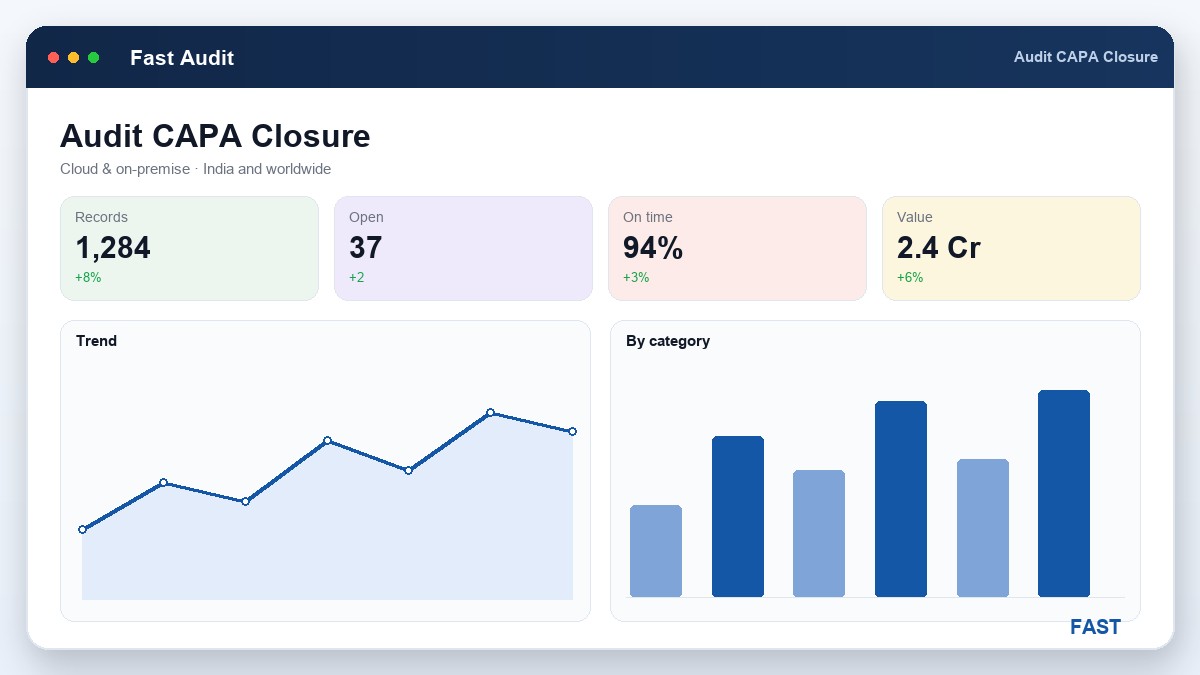
Every quality team knows how to raise a finding. Far fewer can prove that a finding raised six months ago was genuinely closed — that someone found the root cause, fixed it, and verified the fix worked, rather than writing "corrected" in a box and moving on. That gap between a finding raised and a finding closed with evidence is where corrective action quietly fails, and where the next certification audit finds you out.
This is a practical guide to closing audit non-conformances properly. It covers what CAR and CAPA actually mean, the difference between containment, correction, corrective and preventive action, the multi-role closure loop, how due dates and reminders keep findings from stalling, why fresh-versus-repetitive matters, and how Fast Audit Software runs the whole thing. If you want the wider practice first, start with what is internal audit management? and come back for closure.
1. The cost of a finding that never truly closes
The most expensive non-conformance in any quality system is the one that is marked closed but never fixed. The register shows it resolved; the process shows it still failing. Because the closure was an assertion rather than a verified fact, three things follow — none of them good.
- The problem comes back. A finding closed without addressing root cause treats the symptom, so the same non-conformance reappears at the next audit — as if it were new, because nothing linked the two.
- Closure cannot be evidenced. When a certification body asks you to walk one finding from raise to closure, "we fixed it" is not a record. Without a dated trail of the action, the verification and the evidence, the closure does not stand up.
- The register stops meaning anything. If some closures are real and some are just ticked, the whole non-conformance register becomes untrustworthy — nobody can tell the genuine closures from the cosmetic ones.
The fix is not more diligence in the abstract; it is a closure process that will not let a finding be marked done until the corrective action has been taken, verified against evidence, and signed off by someone other than the person who did it.
2. CAR vs CAPA — what the terms mean
Two acronyms get used loosely and are worth separating, because they describe different scopes of the same idea.
- The document raised against a single non-conformance
- Asks the responsible area to correct it and remove its cause
- One instance — this finding, this fix, this verification
- The unit of accountability for a finding
- The wider discipline of fixing findings systematically
- Corrects the instance, removes the root cause
- Adds preventive action so it can't recur elsewhere
- The process every CAR runs through
Put simply, a CAR is one instance and CAPA is the discipline. A mature programme does not treat them as different workflows — it runs every finding through the same CAPA steps: contain, correct, find the root cause, take corrective action, and take preventive action where a similar risk exists elsewhere. The value of naming them is only to keep the scope clear: a CAR closes a finding, CAPA is why closing it properly matters beyond that one finding.
3. From containment to preventive action
The heart of good corrective action is knowing that "fixing it" is really four distinct acts, done in order. Skipping straight to a fix without containment leaves the customer exposed; stopping at correction without root cause guarantees the finding returns.
- Protect the customer and the process from the non-conforming output now
- Quarantine suspect stock, hold shipments, flag affected lots
- Buys time to fix the cause without letting the problem spread
- Rework or scrap the affected parts; retrieve the wrong document
- Deals with what has already gone wrong, this once
- Necessary, but on its own it treats only the symptom
- Find why it happened — a 5-Why or fishbone, not a guess
- Change the process, control or system that let it occur
- This is the step that stops the finding coming back
- Apply the same fix to similar processes before they fail too
- Ask where else this cause could exist and close it off
- Turns one finding into a system-wide improvement
Correction treats the symptom; corrective action treats the cause; preventive action treats the risk. The single most common closure failure is stopping at step two — reworking the parts, closing the finding, and never asking why the parts were wrong. A closure process worth the name forces the root cause to be recorded before the corrective action can be accepted, which is exactly what the findings and CAPA closure workflow captures per finding.
4. The closure loop — multi-role sign-off
What keeps a closure honest is that the person who fixes a finding is not the person who confirms it is fixed. A real closure loop passes each non-conformance through three roles, and every step is recorded as an append-only entry against the finding — so the history cannot be quietly rewritten.
| # | Step | What happens, and the record it leaves |
|---|---|---|
1 |
Finding raised | The non-conformance is logged with its clause, discrepancy, NC category (major/minor) and a fresh-or-repetitive flag, against the auditee's area. |
2 |
Auditee action plan | The auditee records containment, root cause and the corrective and preventive action, with a target due date — the first sign-off in the chain. |
3 |
Coordinator review | The system coordinator checks the plan is adequate — a real root cause, not a symptom — and sends it back or forward. The second role. |
4 |
Auditor verification | The auditor confirms the action was effective against objective evidence — a revised procedure, a re-inspection, a follow-up check — not just that it was done. |
5 |
Closure | Only when every non-conformance is verified does the audit close, and the NC register records who signed off, with what evidence, and when. |
The separation of roles is the whole point. When the auditee, the coordinator and the auditor each have their own sign-off, a closure represents three independent confirmations rather than one person's word — and because each step appends to the finding's history with a date and a remark, the trail is complete and defensible. That trail is precisely what an ISO 9001 or IATF 16949 registrar asks to see.
5. Due dates, overdue reminders and ageing
A closure loop only works if it keeps moving. Every corrective action carries a target due date, and the system watches it: as the date approaches or passes, reminder emails go to the responsible auditee, the coordinator and the auditor, so an overdue action is chased automatically rather than depending on someone remembering. The audit cannot close while any non-conformance remains unactioned, so a stalled finding stays visible instead of slipping off the radar.
Ageing is the view that turns this from chasing to managing. Sorting open findings by how long they have been open — and how far past due — shows where closure is stuck and which areas are absorbing the most overdue actions. The mock dashboard below shows the kind of NC-ageing view a system produces once every finding carries a due date and a status:
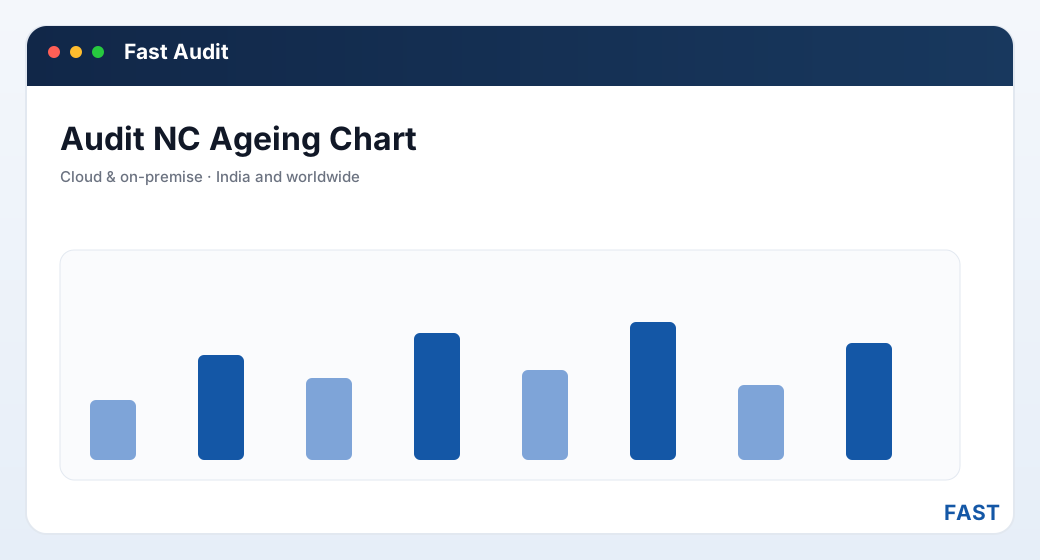
An NC-ageing view: open findings by age band, with the overdue band flagged. The numbers are illustrative — the point is that due dates make ageing visible at all.
| Finding area | Open NCs | Overdue | Avg days to close | Repeat |
|---|---|---|---|---|
| Calibration control | 6 | 2 | 19 | 1 |
| Document control | 4 | 1 | 12 | 2 |
| Production / process | 9 | 3 | 24 | 3 |
| Nonconforming output | 3 | 0 | 9 | 0 |
| Internal audit programme | 2 | 2 | 41 | 1 |
Illustrative figures inside a mock NC-register card — not real data. The pattern is what matters: production and the audit programme itself carry the most overdue findings and the longest closure times, so they earn attention first.
6. Fresh vs repetitive findings
The single most useful flag on any finding is whether it is fresh — raised for the first time — or repetitive — raised before and recurred. A repeat finding is direct evidence that the last corrective action did not address root cause; it treated the symptom, and the problem came back. Without the flag, a recurring minor non-conformance gets closed again and again as if new, and the systemic failure hiding underneath is never seen.
Flagging fresh versus repetitive turns that recurrence into a signal to escalate: a finding that keeps coming back should trigger a deeper root-cause investigation, not another cosmetic closure — and, if it is major or persistent, escalation into a formal 8D / CAPA investigation. The harder problem is that findings are often worded differently each time — "wrong revision at the station", "obsolete drawing in use", "old spec on the line" all describe the same recurrence — so the repeats hide behind inconsistent language.
Stop reading closure notes one at a time. See the repeat themes.
Dhruv AI clusters finding and observation remarks into labelled recurring themes, so a non-conformance that keeps returning under different wording becomes a single, countable line. It lets your quality team ask plain-English questions of live audit data in a read-only sandbox — closure ageing, repeat findings by area, overdue trends — with the answers summarised on the audit role dashboards.
7. Common traps that leave NCs open
Most teams that struggle to close findings are not careless — they are undermined by a handful of habits that let closure stall or fake itself. Naming them makes them easy to avoid:
- Closing on correction alone. Reworking the parts and closing the finding, without recording a root cause, guarantees the non-conformance returns. Correction is not closure.
- One-person closure. When the auditee both fixes and closes their own finding, there is no independent check that the fix was effective. Closure needs a verifying role.
- No due dates. A corrective action without a target date has no way to be overdue, so nothing chases it — and it drifts indefinitely.
- No evidence attached. A closure with no objective proof is an assertion. When the registrar asks for evidence, there is nothing to show.
- Ignoring the repeat flag. Closing a recurring finding as if it were fresh hides the systemic failure and wastes the corrective-action effort.
- Findings living outside the audit. Corrective actions tracked in a separate spreadsheet cannot be joined to the finding, its clause or its audit — forfeiting the trail closure depends on.
8. How Fast Audit Software implements closure
Fast Audit Software builds this whole loop into the audit workflow, so closure discipline happens as a by-product of running the programme rather than as extra paperwork. It is built in Pune by Improsys on the shared Fast Suite platform, cloud or on-premise:
- Findings graded and flagged at source. Every non-compliant answer becomes a finding with its clause, NC category (major/minor) and a fresh-versus-repetitive flag, so the closure starts anchored to a requirement. See Findings, NC & CAPA Closure.
- An append-only closure history per finding. Containment, root cause, corrective and preventive action, and each verification are recorded as entries against the finding with dates and remarks — a trail that cannot be quietly rewritten.
- Multi-role sign-off. Closure passes through the auditee, the system coordinator and the auditor, each with their own status, so a closed finding represents three independent confirmations, not one.
- Due dates and reminder emails. Each action carries a due date, and WhatsApp, email and SMS reminders chase overdue findings automatically — the audit cannot close while any NC is open.
- Escalation to formal CAPA. A major or repetitive non-conformance can escalate into Fast Quality's 8D / CAPA workflow on the same document engine — no re-keying.
- Ageing and repeat insight. The NC summary register, the auditee/auditor/HOD dashboards and Dhruv AI clustering surface overdue findings, closure ageing and recurring themes, so the closure that is stalling is visible.
The result is that closure stops being a box someone ticks and becomes a chain of recorded, verified events — raised, contained, root-caused, corrected, verified and signed off. That chain is what makes a finding genuinely closed, and what lets you prove it. For the wider context, start with what audit management software is, or read how the ISO 9001 checklist anchors each finding to a clause.
9. Frequently asked questions
See a finding driven to verified closure
A 30-minute demo — a non-conformance raised, an action plan submitted, verified and closed with evidence, on your own standards. No generic slideshow.